
Supervisor and above
Only Director, Contracts Manager, Site Manager and Supervisor roles can open plot cards, see plot progress or change a work stage. Site access and the relevant action permission are still checked.
Roles and permissions
SiteSight does not give every account the same navigation. Role, individual permissions and designated Sites determine what appears—and final checks protect direct routes as well.
Access at a glance
Individual permissions can narrow what an eligible role may do, but they cannot bypass the minimum role required for plot cards or progress.
| Role | Plots and progress | Time and shifts | Commercial | Primary boundary |
|---|---|---|---|---|
| Director | View and update | Management access | Full permitted control | Company oversight, permissions and delegation |
| Contracts Manager | View and update | By permission | By permission | Cross-site operational management |
| Site Manager | View and update | By permission | By permission | Management within permitted Sites |
| Supervisor | View and update | By permission | By permission | Day-to-day plot, issue and diary control |
| Operator | No access | My Time only | No operational access | Subcontractor status is an optional Operator classification |
| Quantity Surveyor | No plot cards | No default access | By permission | Commercial and document tools only |
| Accounts | No plot cards | Off by default | Financial workspace | Only a Director can delegate shift review or approval |
| Read Only | No plot cards | No default access | Only if granted | Restricted non-operational viewing |
Only Director, Contracts Manager, Site Manager and Supervisor roles can open plot cards, see plot progress or change a work stage. Site access and the relevant action permission are still checked.
Subcontractor is recorded as an optional classification on an Operator account. Both receive the same focused My Time workspace and cannot open or update plot cards.
Accounts starts without shift review, correction, timesheet approval or overtime approval. Only a Director can deliberately add those permissions; old saved flags are ignored without that delegation.
See the difference
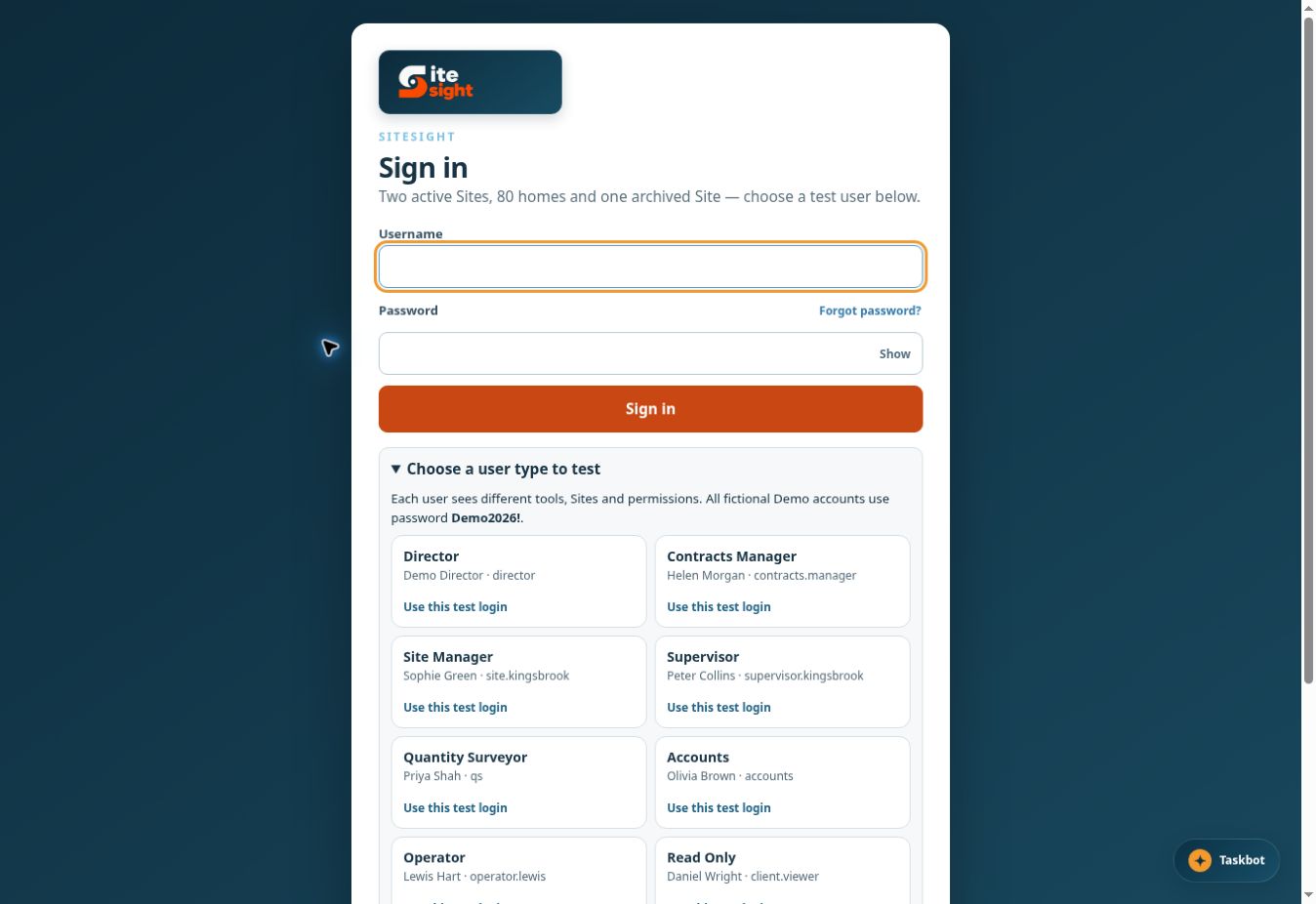
The public demonstration includes fictional accounts for Director, Contracts Manager, Site Manager, Supervisor, Quantity Surveyor, Accounts, Operator and Read Only. Use the same fictional password shown on the sign-in screen.
Read the demo guideSee it working
Switch between fictional roles and compare navigation, plot access, commercial views and the permission-generated New User Guide.