
Director
Company and selected-Site overview, plots, Commercial and management tools
Free public demonstration
Choose a fictional user, follow the permission-based New User Guide and test the product without entering real company, employee or customer information.
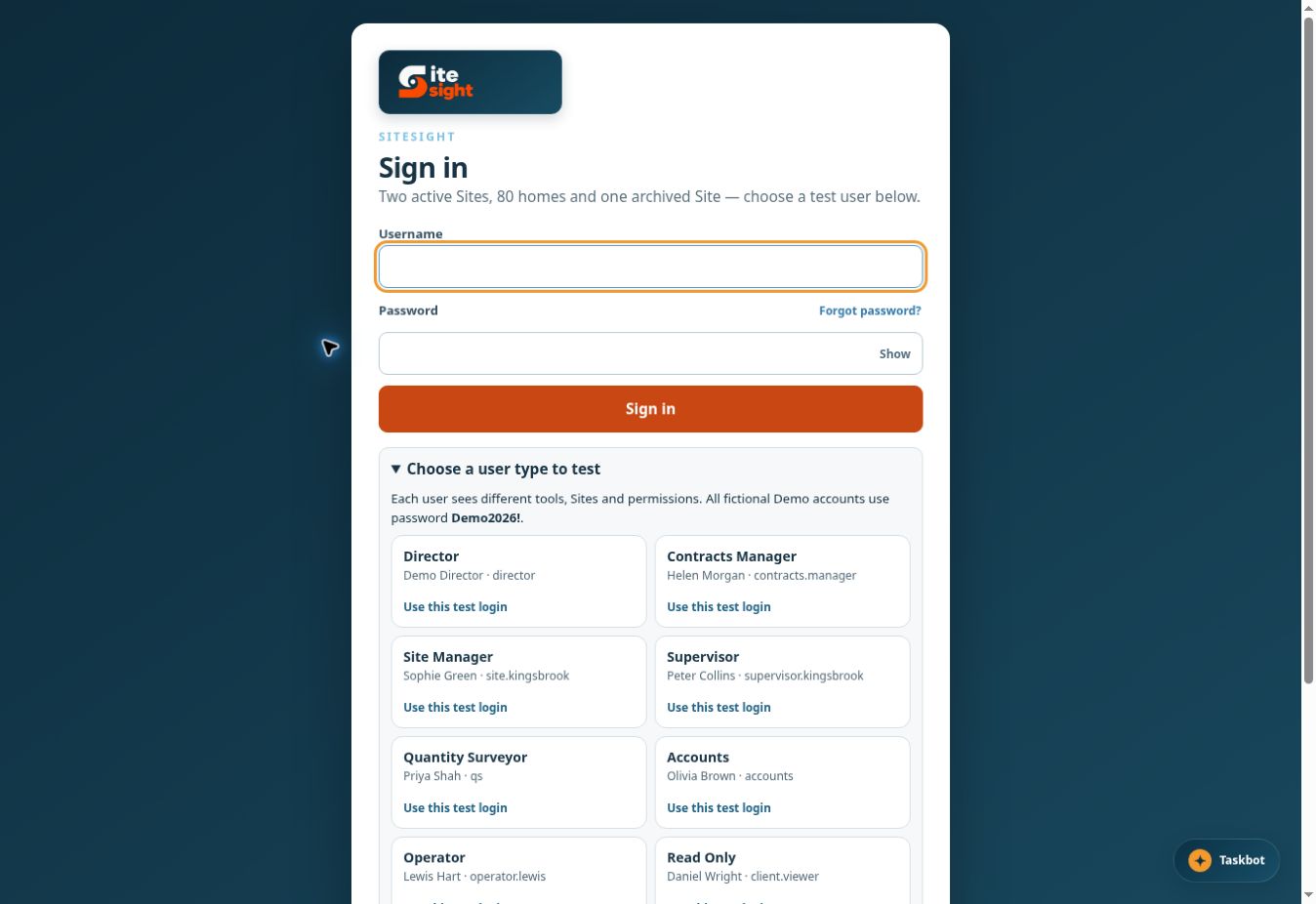
Suggested demonstration route
Start broad, move into daily plot control, then show the permission boundaries and confirmation-led assistance.
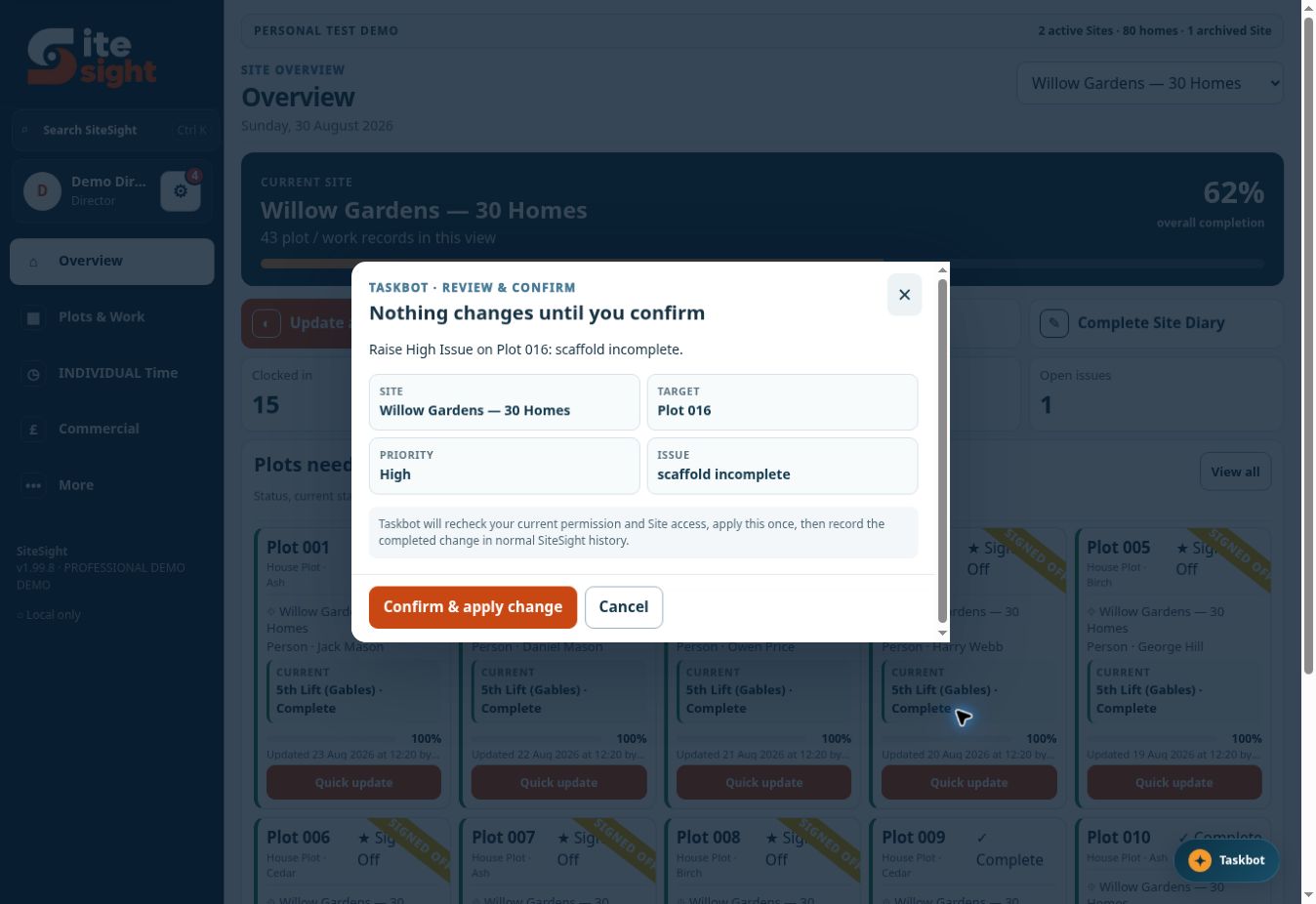
Show control, not magic
The strongest Taskbot demonstration is the confirmation screen: it displays the Site, target, priority and requested change, then requires a deliberate button press.
Fictional role accounts
Company and selected-Site overview, plots, Commercial and management tools
Cross-site operational view within the account’s permitted access
Management screens for a designated Site
Compact plot cards, issues, diary and permitted time tools
Commercial and document-focused screens without plot cards
Financial reconciliation without default shift-review queues
Focused personal time workspace; no plot cards or progress
Restricted demonstration of non-operational access
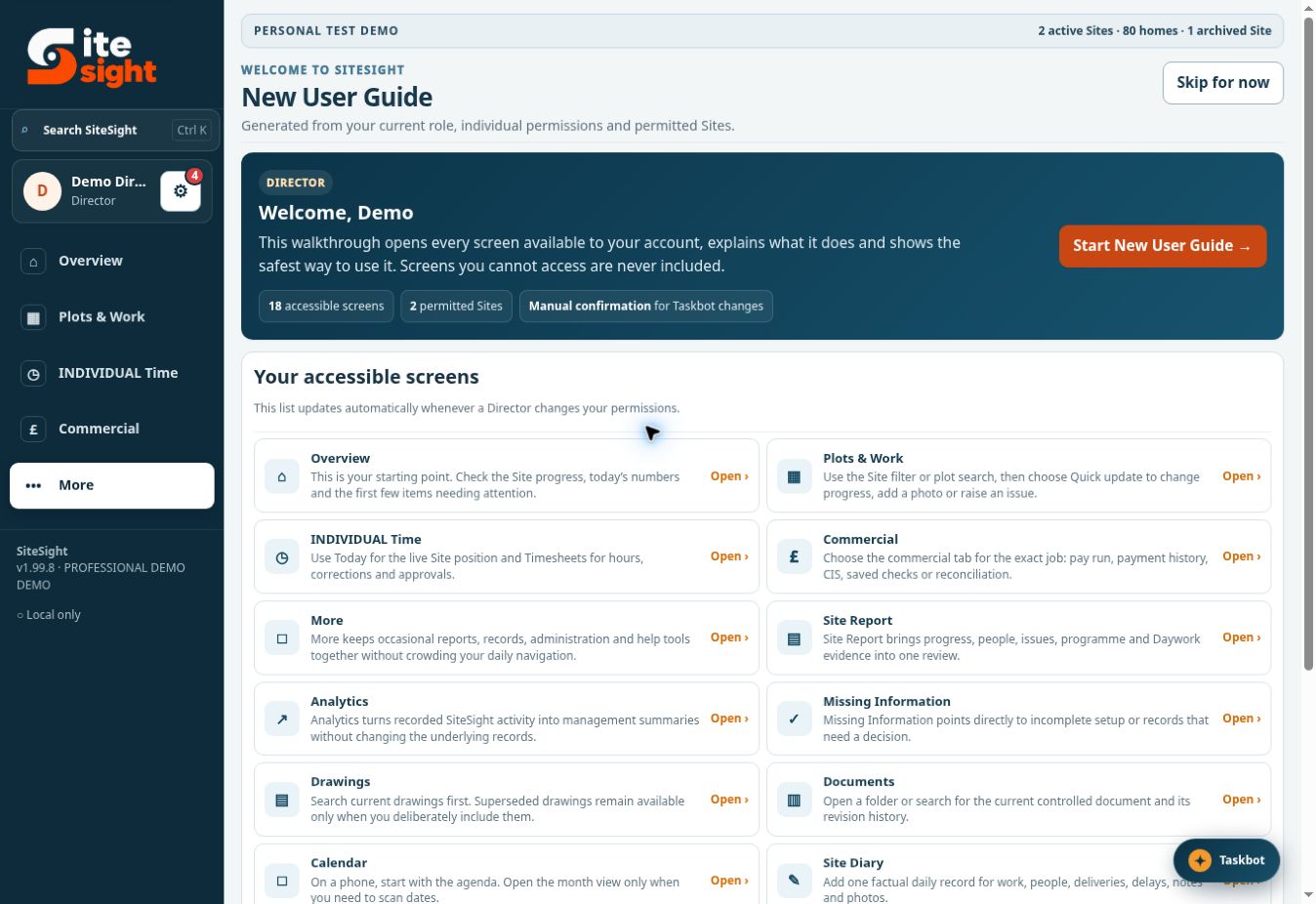
First sign-in
Instead of a fixed test route, the guide shows a general overview and every screen available to the selected account. It can also be reopened later from Help.
See it working
Open the free demonstration in a new tab. Start with Director, then compare Supervisor, Accounts and Operator.