
NORMAL EDITION
Start a clean local test
First setup · device-local data · Windows run fileV1.99.8 · Windows 10/11 · 30 August 2026 · ZIP 3.83 MBDownload Normal ZIPSHA-256 d6d369ce64ab4e83bd7bda2b1729c2213c2fcdfeedf3ba8c8bbefd8dc9a68a36Install SiteSight
Use the prepared Windows test package with its one-click run file, or pin the fictional public demonstration from your browser for quicker access on desktop, tablet or phone.
Windows test packages
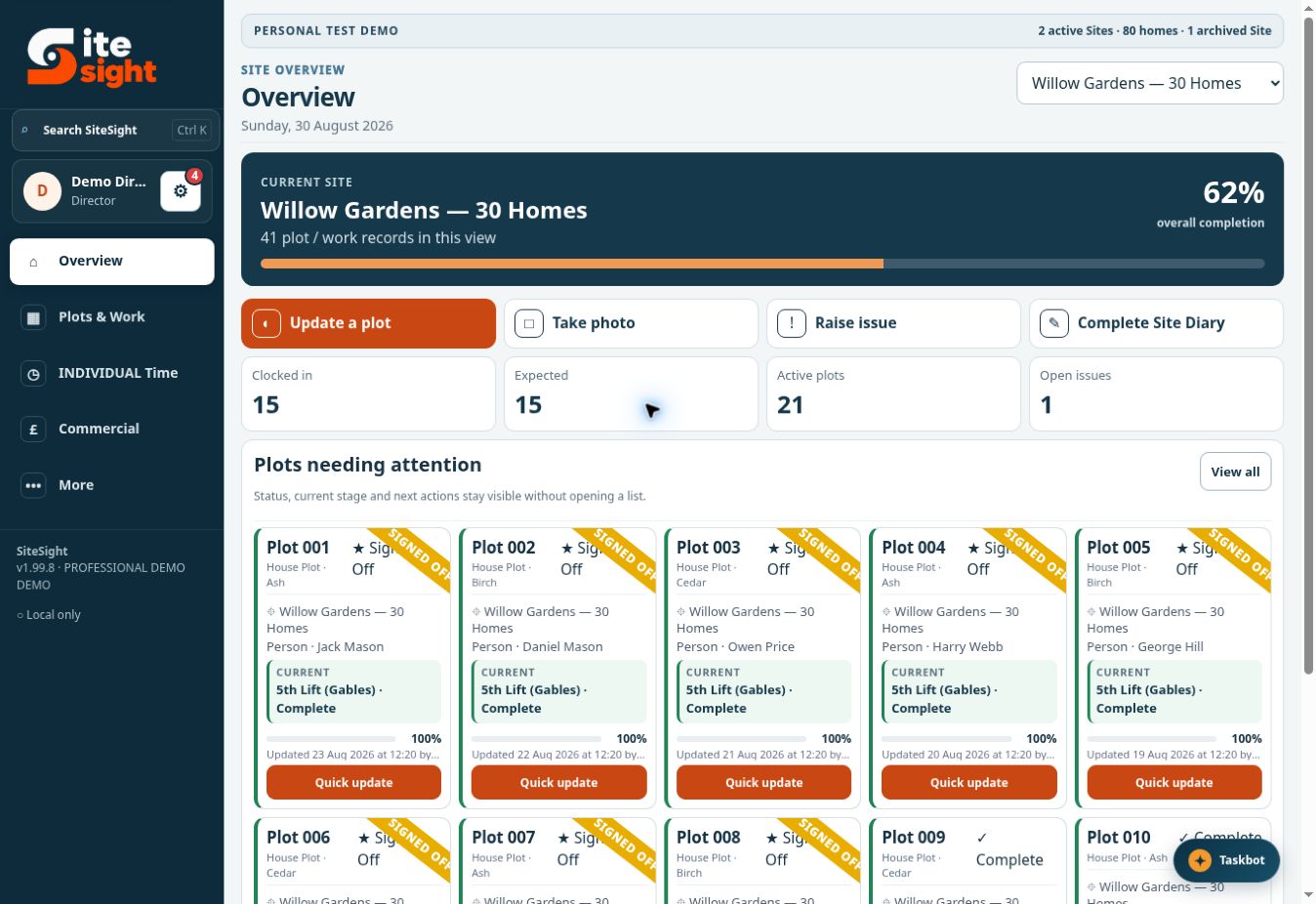
Both packages include a simple OPEN-SITESIGHT.bat file. The Normal edition starts with first setup; the Demo edition contains fictional demonstration data and role accounts.
These local editions are not a secure shared company system, managed backup service or commercial release. Windows may display a security warning because the temporary launcher is not a signed installer. By downloading or using a package, you agree to the Website and Test Software Terms.
NORMAL EDITION
SHA-256 d6d369ce64ab4e83bd7bda2b1729c2213c2fcdfeedf3ba8c8bbefd8dc9a68a36DEMO EDITION
SHA-256 ac8c821327a99a8ad8b8d6bd9c500428f02ad9886df0791c91e0c05b831f4942Download it to your Desktop or Downloads folder.
Right-click the ZIP, choose Extract All and keep the folder contents together.
Open the extracted folder and double-click OPEN-SITESIGHT.bat.
Your browser opens automatically. Leave the small black launcher window open while testing.
Install from the browser
When the Install option is offered by the browser, the fictional public demonstration can open from its own icon. This does not create a private customer workspace or make it suitable for live data.
Which version?
Use the Demo edition when showing a potential customer how roles and features work. Use Normal when you want to begin with clean first setup and enter your own non-sensitive test records.
See it working
Register interest in a private one-month evaluation configured around your company size and intended workflows. Secure external evaluations will open after the hosted platform and its safeguards have completed testing.